Tiếng Việt

A slow office network isn’t always the ISP’s fault — in most cases, the real cause is the internal cabling and switch setup not being installed to standard. This guide goes straight into the common causes, how to choose the right cable standard, and the installation process that avoids having to tear open walls again later.
Office network cabling is the process of installing a structured LAN system — cabling, network cabinets, switches, and connection points — according to a proper layout, instead of running temporary, unplanned wiring. Sai Gon Home Repair 247 surveys the number of network points and actual usage needs before proposing an installation plan.
Five Signs Your Office Network Needs to Be Re-Cabled
Most offices only notice a network problem once it’s already affecting daily work.
- Wi-Fi dead zones in the office — some areas have weak signal or drop connection even though the access point is working.
- Noticeably slow network during peak hours — multiple users at once bottleneck the internal connection.
- Network cables exposed, tangled, or bundled under desks — a sign the system was run as a temporary fix rather than installed to a proper layout.
- Switches or network cabinets frequently overheating or freezing — often caused by more connected devices than the original setup was designed for.
- Connection drops whenever a new device joins — the system no longer has enough network points or bandwidth for current demand.

Why Offices Need Properly Structured Cabling Instead of Temporary Wiring
Temporary network cabling can work in the short term, but it usually causes problems when it comes to expanding, troubleshooting, or rearranging workstations later.
- Easier to trace when something fails. A system laid out and labeled properly lets you pinpoint a fault quickly, instead of tracing each cable run by hand.
- Easier to expand as the office changes. Adding a new network point doesn’t disrupt the whole system if it was planned for from the start.
- Safer and tidier in the workspace. In-wall or cable-tray routing reduces the risk of cables snagging or getting damaged from daily bumps.
Cat5e or Cat6? Choosing the Right Cable Standard for Your Office Size
| Cable Standard | Supported Speed | Best For |
|---|---|---|
| Cat5e | Up to 1Gbps | Small offices, basic data needs, limited budget |
| Cat6 | Higher speed, supports greater bandwidth | Modern offices, more connected devices, planning to expand |
| Cat6A / fiber (special cases) | Highest bandwidth among common standards | Large offices, internal data rooms, long cable runs |
For offices undergoing a new fit-out or full renovation, choosing Cat6 from the start is usually more cost-effective than upgrading again shortly after installing Cat5e.
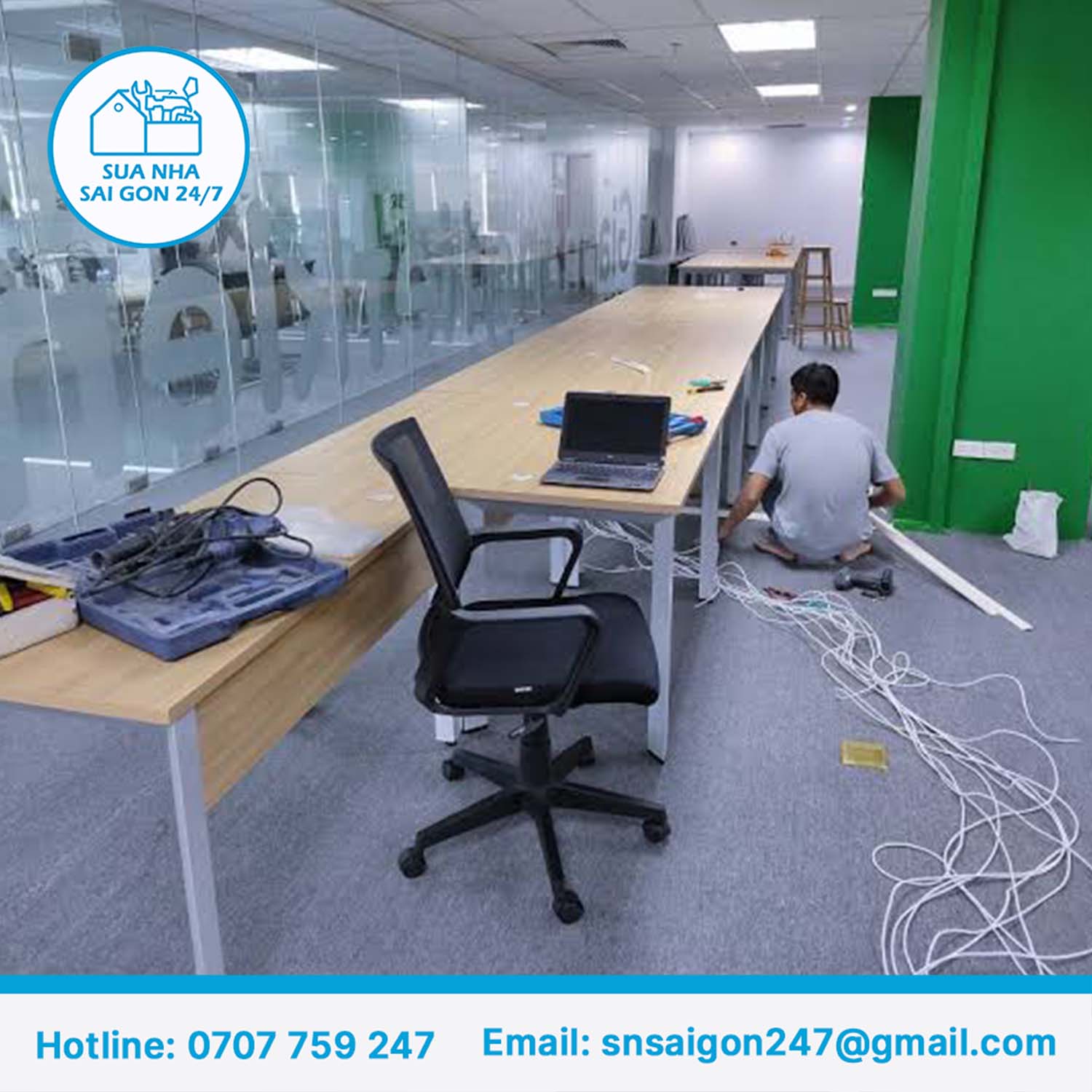
How Office Network Cabling Actually Works, Step by Step
- Survey the number of network points and usage needs. Determine headcount, devices to be connected, and special-use areas like meeting rooms or server rooms.
- Plan the cable layout. Map cable runs from the central network cabinet to each connection point, planning outlet positions in advance.
- Run the cables and terminate connectors. Install according to the planned layout, labeling each cable run for easy checking later.
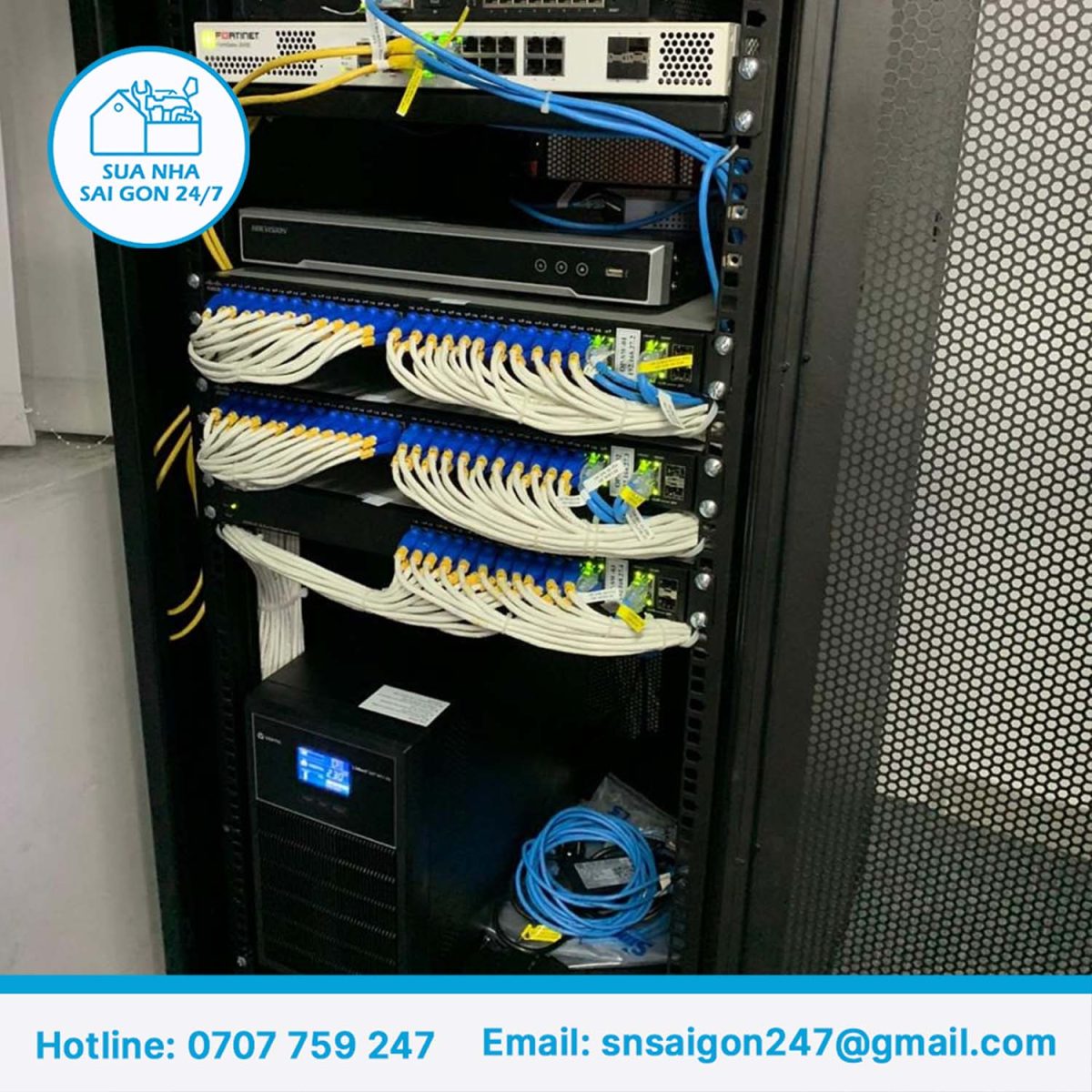
- Install the network cabinet and switches. Arranged neatly with enough airflow to prevent overheating during continuous operation.
- Test each connection point. Speed and stability are tested point by point before handover, not just checked as a whole.
- Handover and orientation. System documentation is provided so the office can handle minor changes on its own later.

Does Network Cabling Need to Be Coordinated With the Electrical System?
When fitting out or renovating an office, network cabling is typically planned alongside the electrical and lighting systems, to avoid having to cut open finished walls or ceilings afterward.
This coordination matters especially when the office also plans to install new lighting or decorative lighting, since power and network cabling often share the same cable tray or run through the same ceiling space.
If your office is planning to renovate its electrical or lighting systems at the same time, see our office electrical system installation service and office decorative lighting installation service to coordinate the work together, which saves time compared to handling each item separately.

2026 Reference Pricing for Office Network Cabling
| Item | Typical Market Range | What Moves the Price |
|---|---|---|
| Cat5e cable (per meter) | Lower end among cable standards | Cable run length, number of points |
| Cat6 cable (per meter) | Higher than Cat5e | Cable standard, brand, routing difficulty |
| Connector termination (per point) | Priced per network point | Installation location, cable run complexity |
| Small office package (under 30 people) | Entry-level package pricing | Number of network points, whether Wi-Fi is included |
| Medium–large office package | Scales with headcount and floor area | Number of devices, bandwidth requirements, network cabinet infrastructure |
These figures are market reference ranges only. Actual cost depends on the condition of your office and is confirmed after an on-site survey.
See the full process and detailed pricing on our office LAN network installation service page.
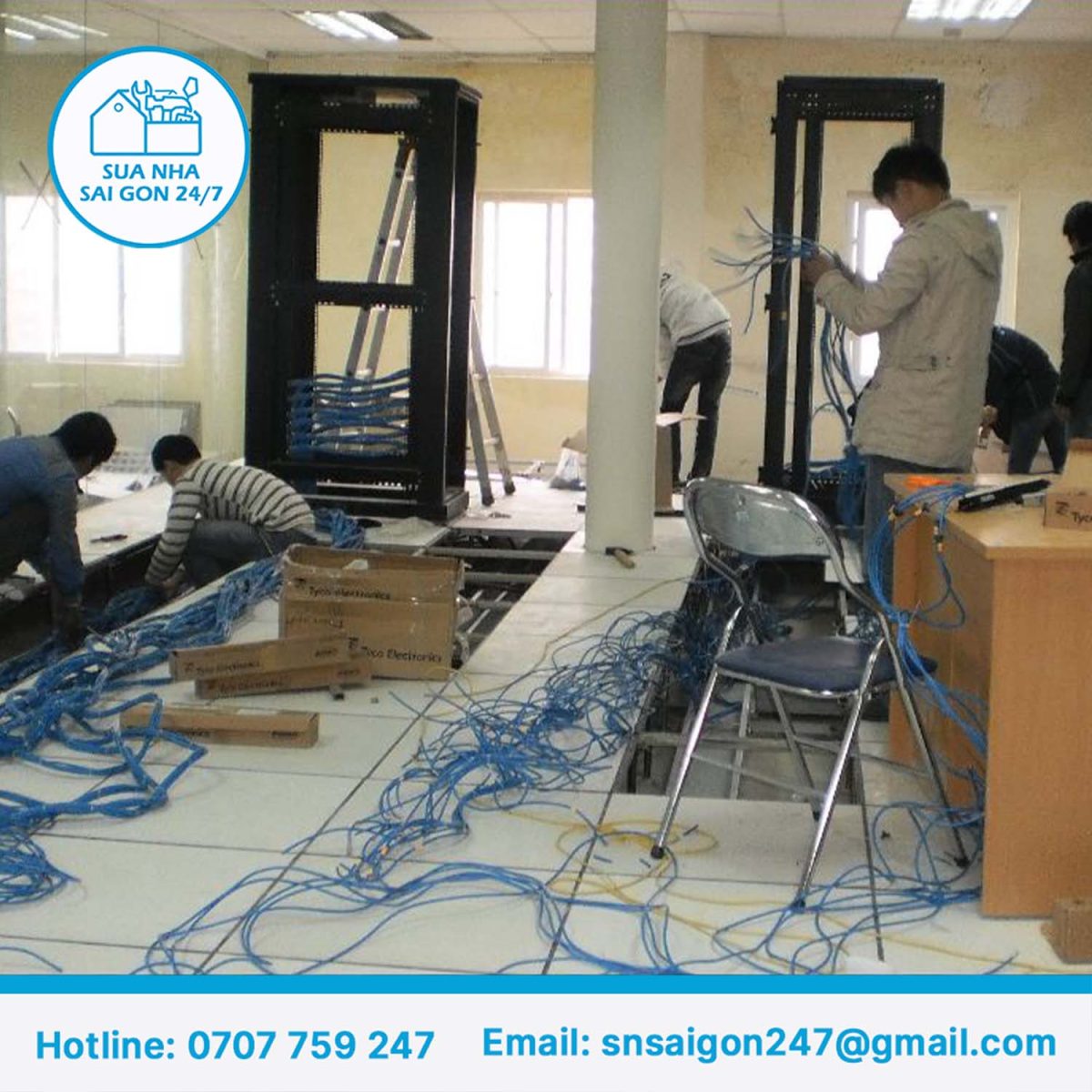
A Typical Case: A Slow Network That Wasn’t the ISP’s Fault
A common scenario: an office reports a slow network and suspects its internet plan, but the on-site survey finds the real cause is an old switch unable to handle the current number of connected devices, combined with several connectors terminated incorrectly.
Upgrading the internet plan — which wouldn’t fix the actual problem — usually isn’t the right move; checking and re-cabling the internal infrastructure typically is.
According to the technical team at Sai Gon Home Repair 247: “We always check the internal infrastructure before concluding it’s the ISP’s fault, because in most cases a slow network traces back to the cabling and switches inside the office itself.”
Scheduling Installation Without Disrupting the Workday
For an office still in operation, network cabling work is typically scheduled after hours or on weekends, especially for network points located in shared work areas.
For offices with multiple sections, phasing the installation area by area lets staff in sections not yet worked on continue as normal, instead of pausing the whole operation during installation.
Contact us for a free on-site survey and a transparent quote.
Frequently Asked Questions
What is office network cabling?
It’s the process of installing a structured LAN system — cabling, network cabinets, switches, and connection points — for an office according to a proper layout, instead of running temporary, unplanned wiring.
Should I choose Cat5e or Cat6 for my office?
Cat5e suits small offices with basic data needs, while Cat6 offers higher speed and is generally recommended for modern offices with larger data demands or plans to expand later.
How much does office network cabling cost?
Cost is calculated by cable length, number of network points, or as a full package depending on office size. These are market reference ranges — the exact cost is confirmed after surveying the number of network points and the condition of your office.
Why is the office network slow even though the internet connection itself is stable?
The cause is usually in the internal cabling or switches — incorrectly run cables, an overloaded switch, or connectors terminated incorrectly — not the ISP, even though the ISP is often suspected first.
Does office network cabling need to be coordinated with the electrical system?
Yes, especially during a new fit-out or renovation — network cabling is typically planned alongside the electrical and lighting systems to avoid cutting open finished surfaces afterward.
Does the installation disrupt office hours?
Most of it can be scheduled after hours or on weekends, especially for network points in shared work areas, so staff aren’t disrupted.
Does an office network system need regular maintenance?
Yes. Network cabinets, switches, and connection points should be checked periodically to catch early signs of overload or damage before they affect the whole office.
Does a small office still need proper structured cabling, or is temporary wiring enough?
Even a small office should be cabled to a proper layout, since temporary wiring is typically harder to expand later and more prone to faults as the number of connected devices grows.
Sai Gon Home Repair 247 — home repair & renovation in Ho Chi Minh City, 7+ years of experience.
English support: +84 33 939 0325 · English & Korean support: +84 76 806 7114
Zalo/WeChat/KakaoTalk available · Email: snsaigon247@gmail.com
Contact us for a free on-site survey and a transparent quote.